How AI Transcription Works
A plain-language explanation of how automatic speech recognition turns audio into text, how speaker diarization works, and where translation and summarization fit in.
AI transcription turns spoken audio into written text through a short series of steps: recognizing speech, arranging it into a transcript, and, when needed, separating speakers or producing other text from that transcript. Understanding the stages helps you set realistic expectations for accuracy, speaker labels, and processing time.
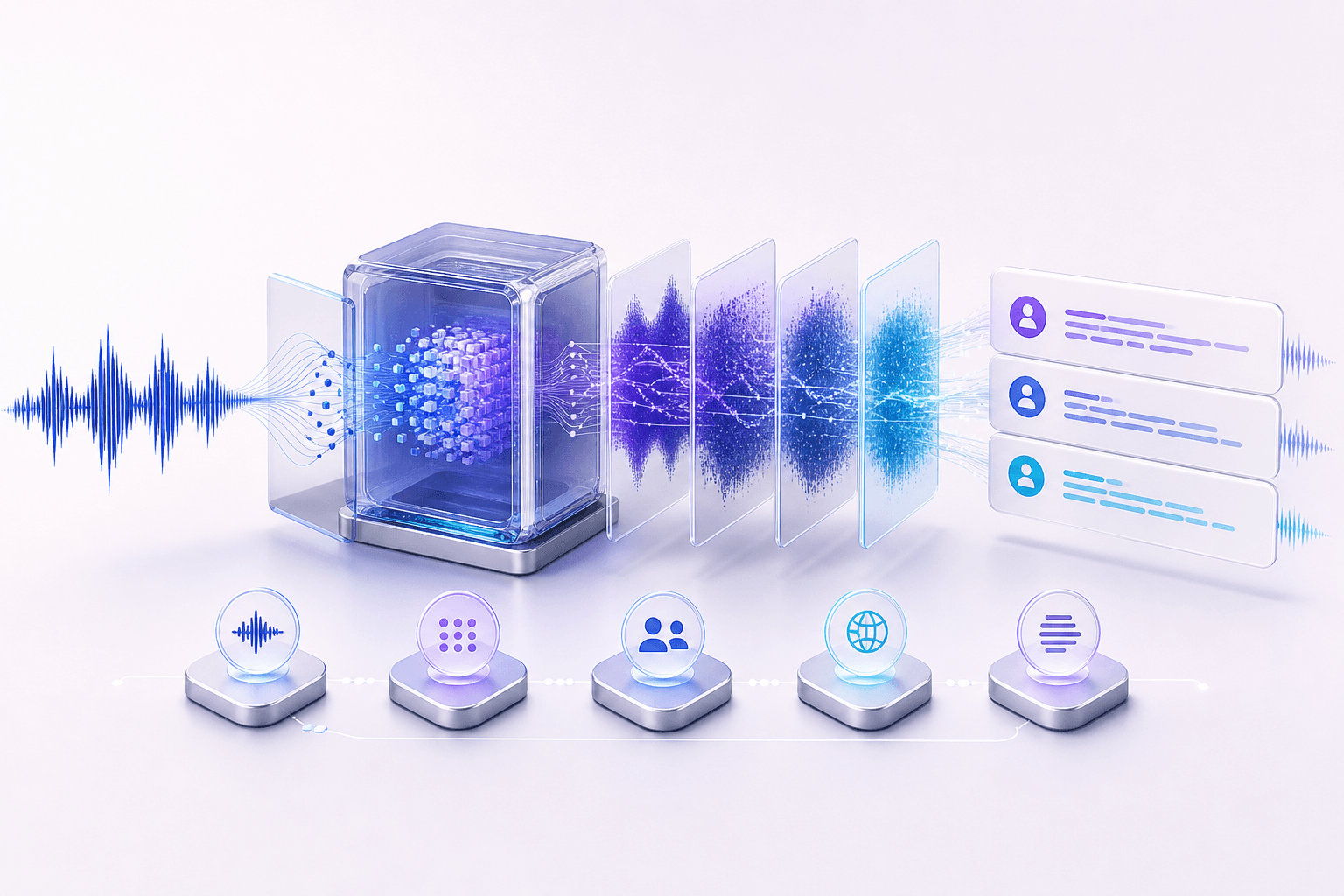
Automatic speech recognition turns sound into words
Automatic speech recognition, often shortened to ASR, analyzes the audio signal in small sections and maps the sound patterns to likely words. It uses both the sounds in the recording and language context, rather than matching each sound to a word in isolation. That is why it can often handle natural speech, accents, and imperfect recording conditions.
Long recordings are handled as manageable audio sections
Longer recordings are commonly processed in smaller sections and then assembled in order. That makes it possible to work with substantial recordings without treating the entire file as one indivisible piece of audio.
Speaker identification is a separate layer
Speaker diarization answers a different question from speech recognition: not just “what was said?” but “who said it?” It looks for differences in voice characteristics and assigns sections of speech to labels such as Speaker 1 and Speaker 2. It is especially helpful for interviews, meetings, and panel discussions, where an unbroken transcript is hard to follow.
Diarization does not identify someone by name on its own; it separates distinct speakers. Reviewing labels and names after transcription is still a useful final step, especially when speakers interrupt each other or sound similar.
Translation and summaries happen after transcription
Translation and summarization use the finished transcript as their input. That means they are separate from the initial speech-recognition step: translation produces a version in another language, while summarization condenses the transcript into the main points.
What affects the time to receive a transcript?
There is no reliable universal time promise for AI transcription. Recording duration, upload conditions, audio complexity, and selected processing options can all affect when a finished result is available. For a practical breakdown, see how long AI transcription can take.
Senite’s file transcription workflow follows this overall shape: upload a recording, create the transcript, optionally translate or summarize it, and export to PDF or plain text. For practical preparation and review tips, read how to transcribe audio to text; for data handling considerations, see our privacy and security overview.
Back to all articles