How Long Does AI Transcription Take?
Learn what affects AI transcription time, from recording length and upload conditions to audio complexity and optional processing steps.
AI transcription time depends on the recording and the work selected around it. Rather than relying on a universal estimate, plan for the stages involved: getting the file to the service, recognizing the speech, and completing any optional work such as translation or summarization.
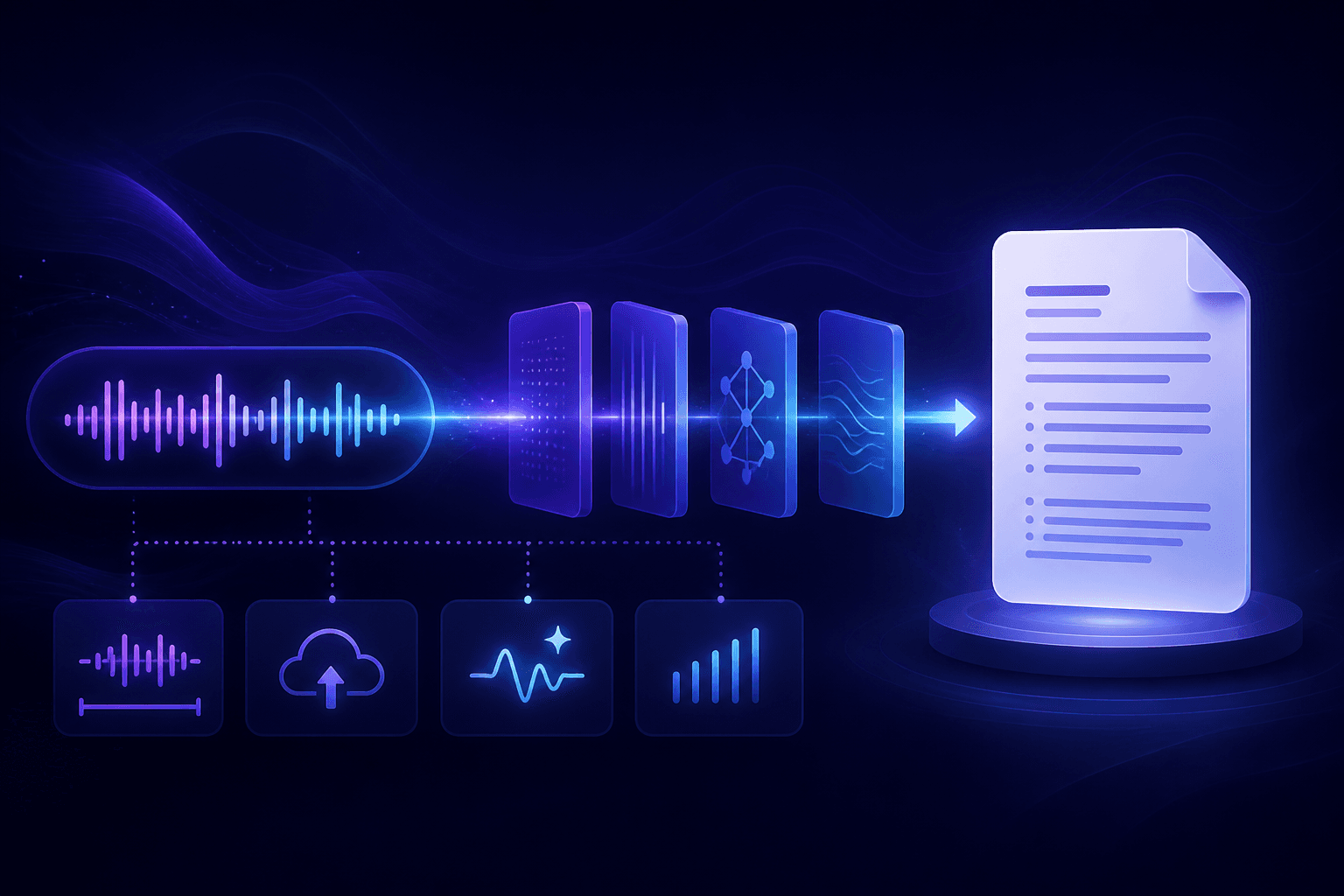
What affects how long AI transcription takes?
Recording duration and file size
A longer recording contains more audio to process. File size also affects the upload stage: an uncompressed or high-quality recording can take longer to transfer than a smaller file, even when both recordings have the same duration.
Upload conditions
Your connection is part of the workflow. A slow or interrupted upload delays the point at which transcription can begin, so it is worth waiting for the upload to finish before expecting the transcript.
Audio complexity
Background noise, overlapping speakers, low volume, and unclear speech can make a recording harder to interpret. These conditions also make a review more important, because names and important terminology may need human confirmation.
Optional translation and summarization
Transcription is the first output from the recording. If you also request a translated transcript or an AI summary, those are additional processing steps built from the transcript after it is created.
How to prepare a recording for transcription
Use the clearest available source file, make sure the upload can complete, and choose only the outputs you need for the task. You generally do not need to convert a normal recording before uploading it: Senite accepts common audio and video formats, including MP3, WAV, M4A, MP4, AAC, and FLAC.
For more detail on choosing a format, see the guide to audio formats for speech recognition. For the complete upload-to-export workflow, read how to transcribe audio to text.
When you need the transcript
If you are working from a finished recording, Senite’s transcription workflow can create a transcript with speaker labels and optionally produce a translation or summary. If the conversation is still happening and you need translated speech immediately, that is a different use case; see live translation versus traditional translation.
Back to all articles