Best Audio Formats for Speech Recognition
A practical comparison of MP3, WAV, M4A, AAC, FLAC, and MP4 for transcription — when lossless quality matters and when it doesn't.
Most guides to audio formats are written for music, where the difference between lossy and lossless is genuinely audible. For speech recognition, the calculus is a little different, because speech occupies a much narrower frequency range than music, and most speech recognition systems are tolerant of exactly the kind of compression artifacts that a trained musician's ear would notice.
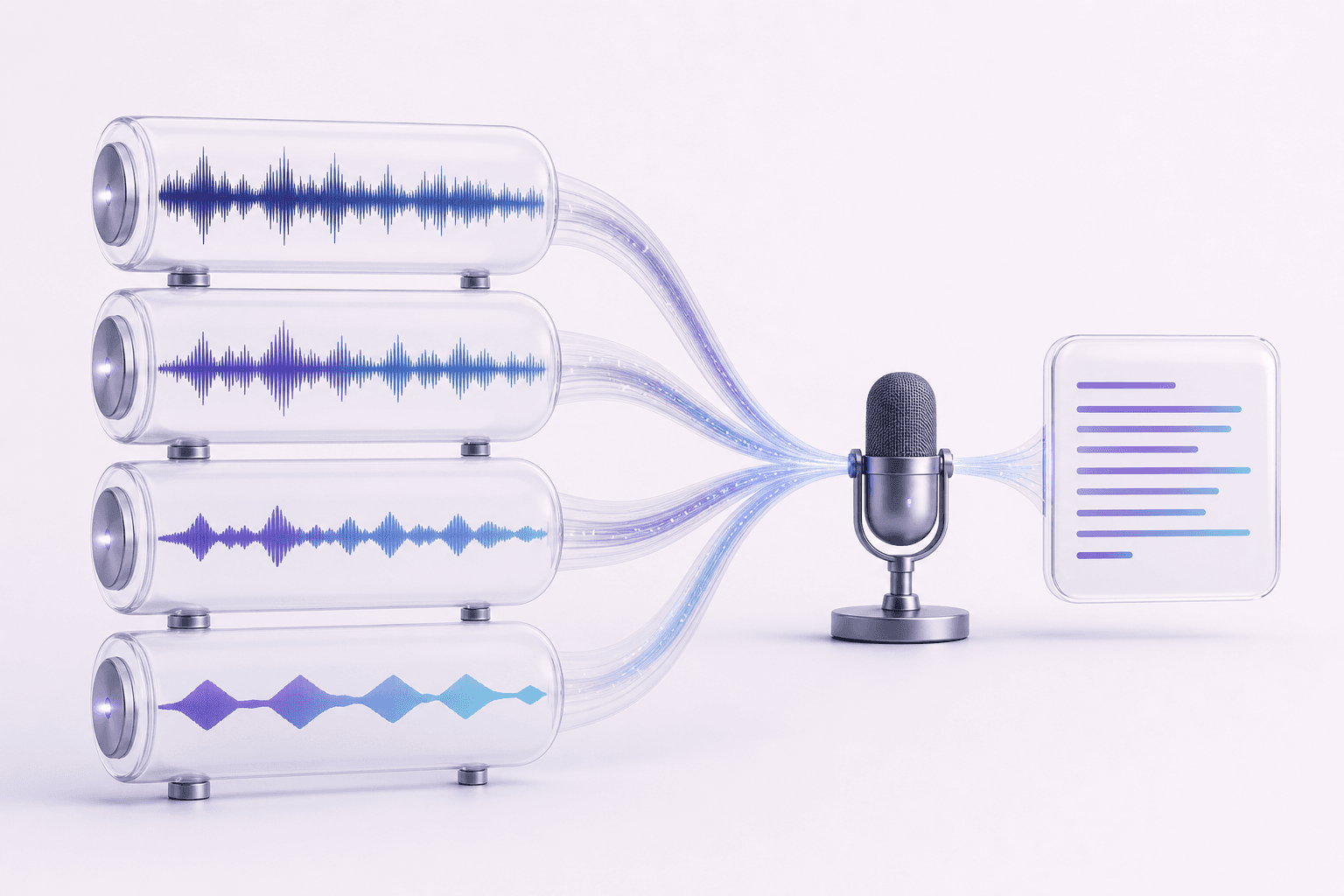
The core distinction is lossy versus lossless. MP3, AAC, and M4A are lossy formats — they discard some audio information to keep file sizes small, using compression tuned around what's least noticeable to human hearing. WAV and FLAC are effectively lossless: WAV stores audio largely uncompressed, and FLAC compresses it losslessly (smaller file, no quality lost). For a typical voice memo, phone recording, or podcast episode, a lossy format like MP3 or M4A transcribes just as accurately as an uncompressed WAV file — the compression targets frequencies and details that matter far more for music than for spoken words.
Where it starts to matter more is difficult audio: heavy background noise, distant or quiet speakers, multiple people talking over each other. In those harder cases, starting from a higher-quality source — ideally WAV or FLAC, recorded with a decent microphone in the first place — gives the recognition model more to work with. If you're recording something you know will be hard (a noisy conference room, an outdoor interview), it's worth using the highest-quality format your recorder supports; if you're transcribing a routine phone call or voice note, the format barely matters.
MP4 deserves a specific mention because it's a video container, not strictly an audio format — but it's extremely common, since almost every phone and screen-recording tool defaults to it. For transcription purposes, the audio track is what matters; the video itself is irrelevant to the transcript. If you have a recording as an MP4 (a recorded video call, for example), there's no need to extract the audio track yourself first — Senite accepts MP4 directly alongside MP3, WAV, M4A, AAC, and FLAC.
One practical constraint worth knowing about regardless of format: very large files take longer to upload and process, so if you have a multi-hour recording sitting at several gigabytes in an uncompressed format, converting it to a reasonably compressed format like M4A or MP3 first will speed up the upload without meaningfully hurting transcript accuracy.
The short version: don't spend time converting formats before uploading unless the audio itself is genuinely difficult. For everyday recordings, pick whatever format your device already produces — see how to transcribe audio to text for the rest of the workflow once the file is uploaded.
Back to all articles