What Is Deepgram? Speech-to-Text API Features and Use Cases
An introduction to Deepgram’s speech-to-text platform, its batch and streaming workflows, speaker diarization, and when an API is the right fit.
Deepgram is a developer-focused speech AI platform. Its speech-to-text services are designed to be called from an application, so a team can send recorded audio or a live stream to an API and use the returned transcript in its own product or workflow.
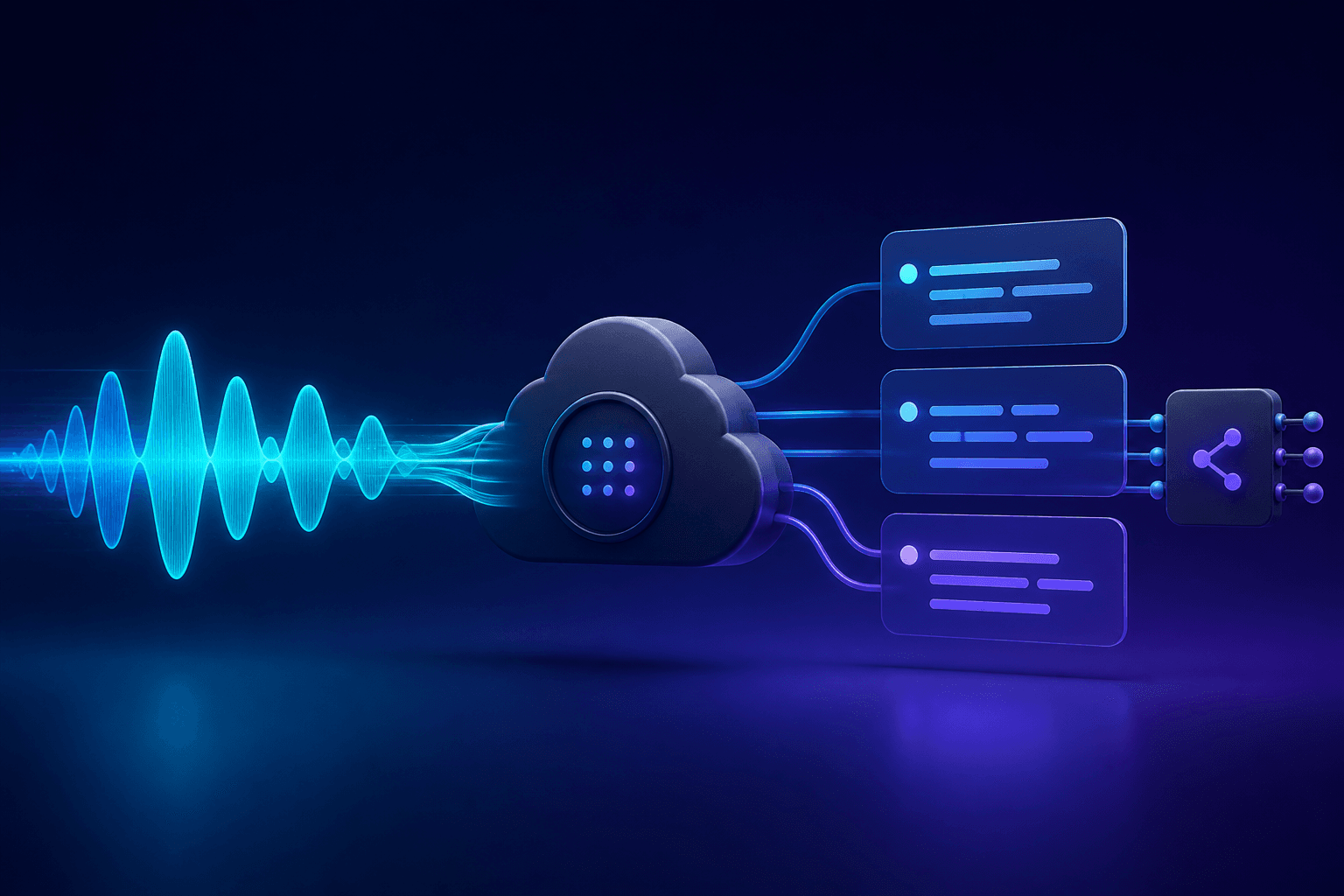
What Deepgram is built for
The core use case is integrating speech recognition into software: voice agents, call tools, captioning, search, and recorded-media workflows. Deepgram documents separate paths for pre-recorded audio and live streaming, with SDKs and API controls for the surrounding implementation.
Transcription and speaker diarization
Deepgram can return word-level speaker assignments when diarization is enabled. Its documentation distinguishes the diarization models available for pre-recorded and streaming audio, so developers should check the current model and language compatibility before committing to a design. Deepgram’s diarization documentation is the authoritative reference.
What implementation normally requires
A typical integration needs an API key, an application that can upload or stream audio, request configuration, and code to handle transcript responses. A streaming workflow also needs a persistent audio connection and logic for interim versus finalized results. That flexibility is useful when transcription belongs inside a product, but it is more work than using a finished application.
Choosing pre-recorded or streaming transcription
Pre-recorded transcription suits completed interviews, meetings, and media files; the application submits the recording and handles a result. Streaming suits an experience that must react while people are speaking, such as live captions or a voice interface. For streaming audio, details such as the input format, connection lifecycle, and how the product treats interim text are part of the implementation rather than incidental setup.
Who should consider Deepgram?
Deepgram is a natural fit for developers and teams that need to control the user experience or connect transcription to their own systems. It is not primarily an end-user document workspace for someone who only needs to upload a recording and receive a finished transcript.
When Deepgram makes sense
It makes sense when a team is building transcription into its own product and needs API-level control over audio input and transcript handling. When the task is simply to upload a completed recording, get a transcript, and move on to translation or summarization, a ready-to-use workflow such as Senite transcription avoids building that surrounding interface. For the underlying concepts, read how AI transcription works.
Back to all articles