What Is AssemblyAI? How Its Speech-to-Text API Works
Learn what AssemblyAI is, how its speech-to-text APIs handle files and live audio, and who should use a speech AI platform instead of a ready-made app.
AssemblyAI is a speech AI platform for developers. Rather than being a finished transcription application for everyday uploads, it provides APIs and SDKs that let software teams send audio or video for transcription and work with structured results in their own applications.
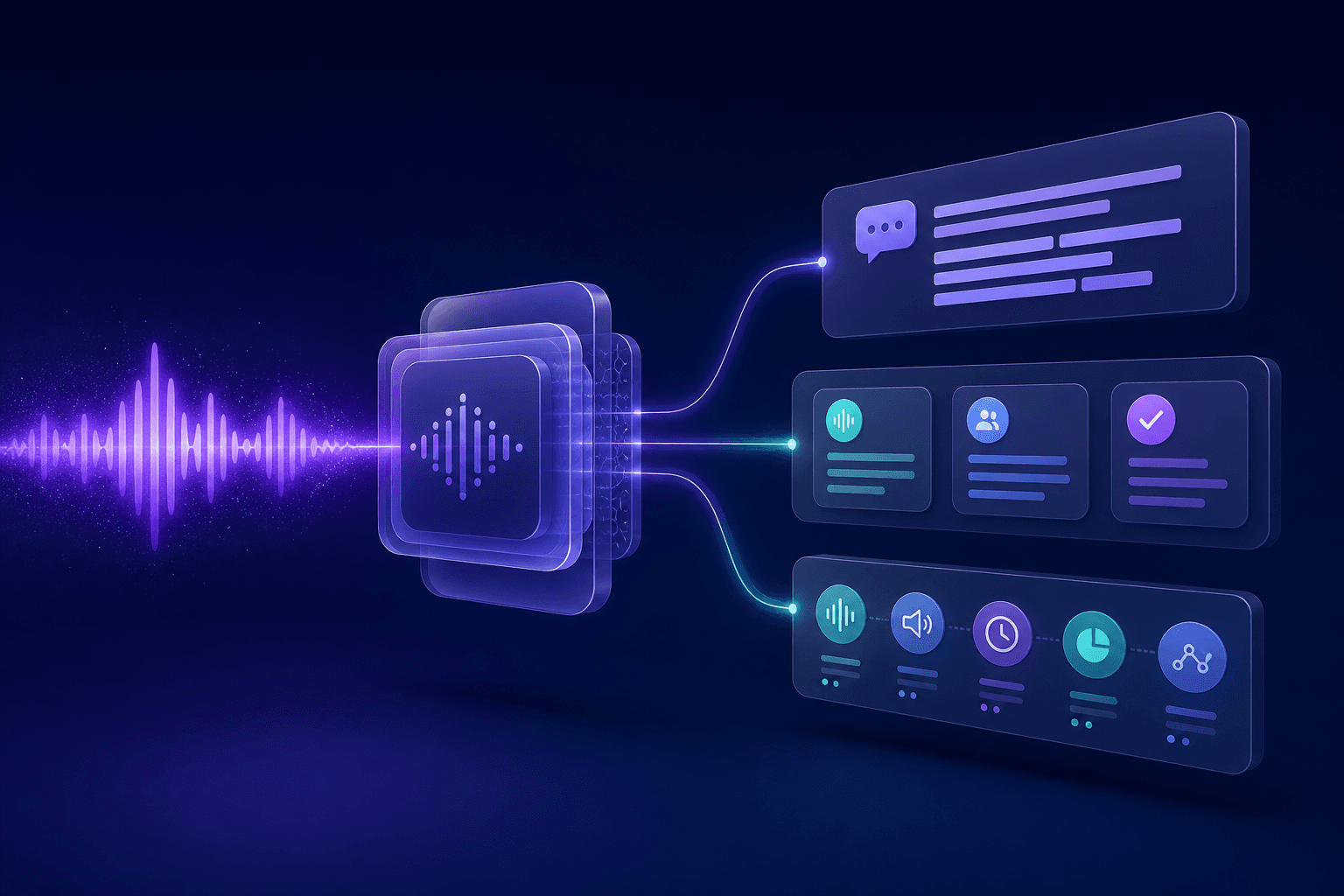
The practical workflow
For recorded media, an application submits audio to the service and later receives a result. For live audio, an application connects a stream and handles the transcript events it receives. AssemblyAI’s official documentation covers both file transcription and streaming speech-to-text, along with SDK-based quickstarts.
Beyond a plain transcript
AssemblyAI groups speech-to-text and audio-intelligence capabilities in its developer platform. The exact feature, language, and workflow support can differ between recorded and streaming use cases, so the AssemblyAI documentation should be checked for the current API details before implementation.
Where audio intelligence fits
A transcript is the text produced from speech. Audio-intelligence features are separate ways of working with that spoken content inside an application. A product team should decide which output it needs, then confirm the relevant endpoint and whether it applies to recorded media, a live stream, or both.
What a team needs to build
Using AssemblyAI normally means creating an account and API key, choosing an SDK or direct API integration, arranging audio input, and storing or displaying results in your own product. For live systems, the application also needs to manage the audio stream and partial transcript updates.
Who it is for
It suits product teams that want speech recognition as a building block—for example, a call-analysis product, a meeting tool, or a voice-enabled workflow. It is less suitable when the only requirement is turning a recording into text without developing or maintaining an integration.
When AssemblyAI makes sense
It fits product teams that want to compose transcription and audio analysis into their own experience, including the UI, storage, and result handling. A ready-to-use application is simpler when a user only needs to upload a recording and receive a usable output; Senite’s transcription workflow is an example of that category. For a non-technical walkthrough, see how to transcribe audio to text.
Back to all articles