Google Cloud Speech-to-Text: Features, Use Cases, and Setup
A practical guide to Google Cloud Speech-to-Text, including its API-based setup, reusable recognizer configuration, and when cloud infrastructure is the right choice.
Google Cloud Speech-to-Text is a cloud API for adding speech recognition to software. It is aimed at developers who need to send audio to Google Cloud, receive recognition results, and incorporate those results into an application, service, or internal workflow.
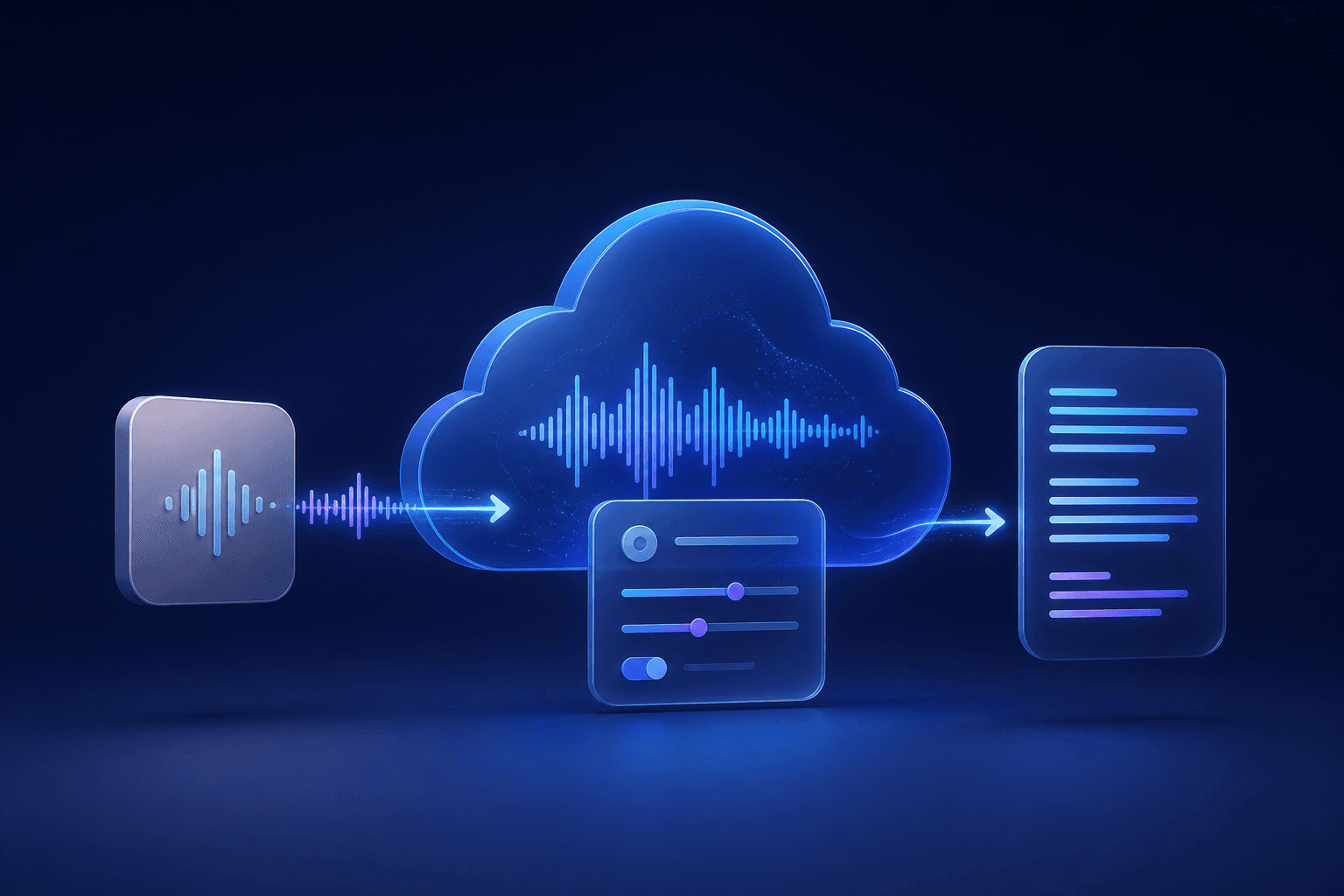
How the service is organized
The current Cloud Speech-to-Text documentation describes it as an API for integrating Google speech-recognition technology into developer applications. In V2, recognizers are reusable Google Cloud resources that hold recognition configuration, which can be useful when an application needs consistent settings across requests.
Why reusable recognizers matter
A recognizer gives a team a named resource for recognition configuration instead of treating every request as an unrelated one-off. That can help keep a product’s request settings deliberate and repeatable, while the application still decides how to send audio, store outputs, and surface transcripts to its users.
Typical use cases
Common reasons to use a cloud speech API include adding captions, voice input, search, or transcription to a product already hosted in a cloud environment. The service can be a sensible choice when the surrounding system already uses Google Cloud and the team needs programmatic control of requests and outputs.
What setup involves
An implementation normally starts with a Google Cloud project, enabled API access, permissions, authentication, and request configuration. Developers then choose the applicable recognition method and make their application responsible for sending audio and consuming the response. Google’s Cloud Speech-to-Text overview and recognizer guide are the current references.
Who it is best suited for
It is best suited to teams that need speech recognition within an existing or new software product, especially when cloud governance and configuration are part of the project. It is not primarily a consumer-style destination for uploading a recording and exporting a finished transcript.
When Google Cloud Speech-to-Text makes sense
It is a practical layer for teams already operating in Google Cloud and building their own speech-enabled workflow. A project that only needs to upload a recording and work with the finished transcript generally does not need to set up a cloud project, authentication, and application integration; Senite’s transcription page covers that alternative. The audio-to-text guide explains how to prepare and review a recording.
Back to all articles