Azure AI Speech: Speech-to-Text Features and Use Cases
Learn how Azure AI Speech supports real-time, fast, and batch transcription, diarization, and custom speech for teams building on Microsoft cloud services.
Azure AI Speech is Microsoft’s cloud speech service. Its speech-to-text capabilities are intended for developers building recognition into applications and can be used across live, file-based, and larger-volume transcription scenarios.
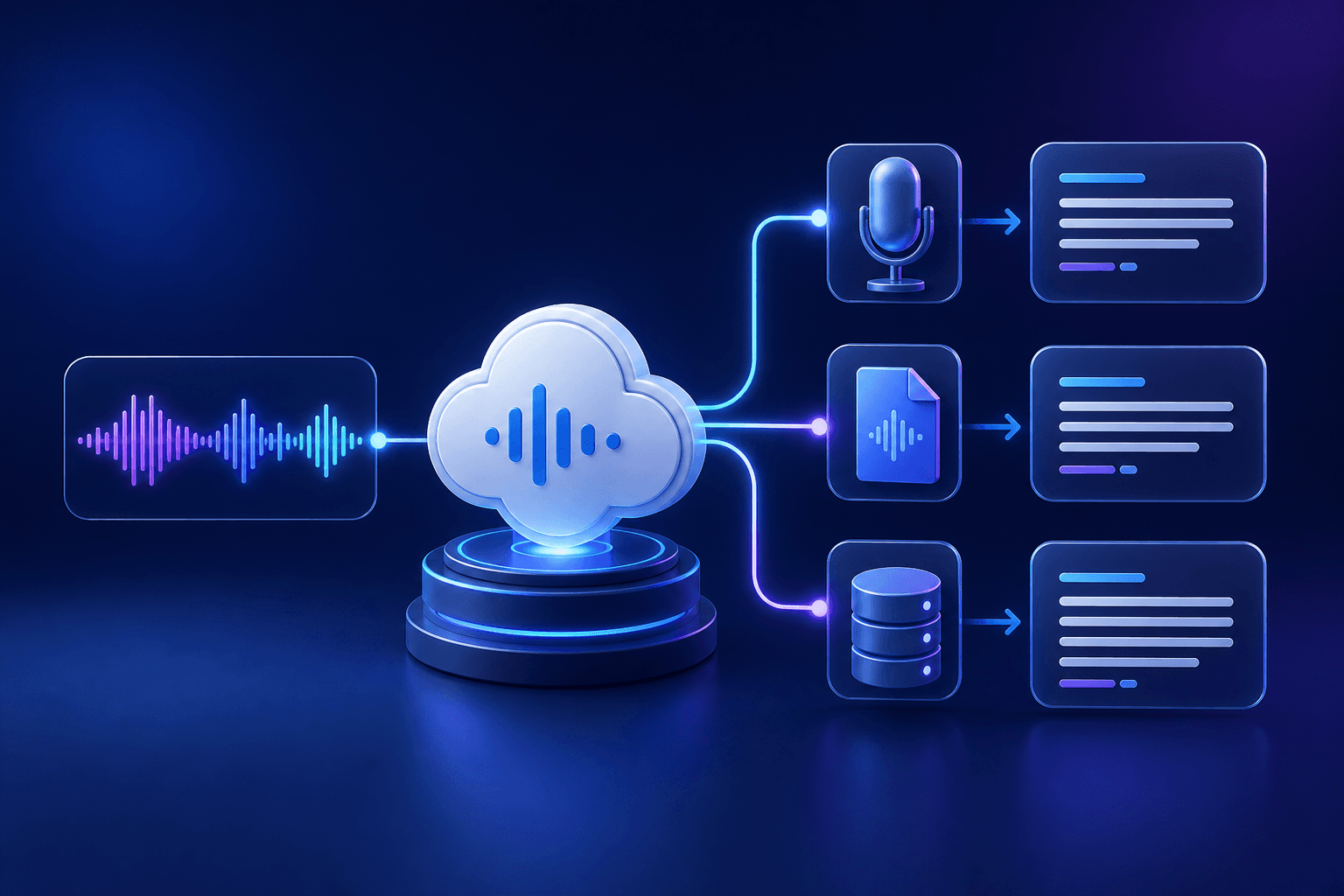
Different transcription workloads
Microsoft documents real-time speech-to-text for live inputs, fast transcription for synchronous file transcription, and batch transcription for prerecorded audio at scale. The service also documents custom speech for organizations that need a model adapted to a specific domain or condition.
Diarization and language configuration
Speaker labels are a configurable option rather than an assumption. Azure’s configuration guide covers diarization across real-time, fast, and batch workloads and notes that language-identification and speaker-label settings differ by workload. Check the current supported locales before selecting a design.
What setup normally requires
Teams normally provision an Azure Speech resource in a supported region, select an SDK, REST API, or CLI route, securely configure credentials, and handle audio and results in their own product. Microsoft’s speech-to-text overview and diarization guide are the primary references.
Custom speech needs an evaluation plan
Custom speech is intended for cases where a team has a specific domain or condition to evaluate. It is not a generic switch to enable blindly: teams need representative data, a way to compare outcomes, and a deployment approach that fits the applicable Azure workflow. Microsoft’s documentation should guide that design because availability and setup details can change.
Who Azure AI Speech is for
It suits teams developing Microsoft-cloud applications that need live recognition, file transcription, or more tailored speech handling. The service provides building blocks; the team still owns the user experience, workflow, storage, and export choices.
When Azure AI Speech makes sense
It makes sense when a team is integrating speech capabilities into a Microsoft-cloud application and needs to select among live, synchronous file, or batch workflows. If the task is to upload and use a transcript without an integration project, Senite transcription provides a ready-to-use path. See how long AI transcription can take for the factors that affect recorded-file workflows.
Back to all articles